Some days you're unstoppable.
Other
days, everything's a struggle.
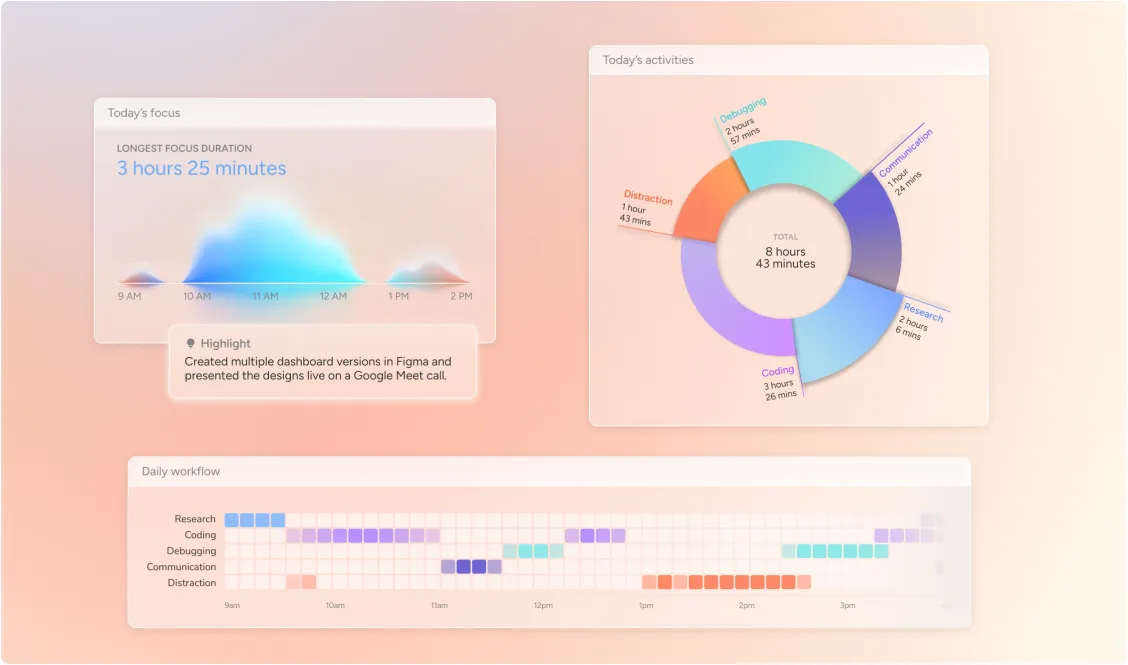
What's the difference?


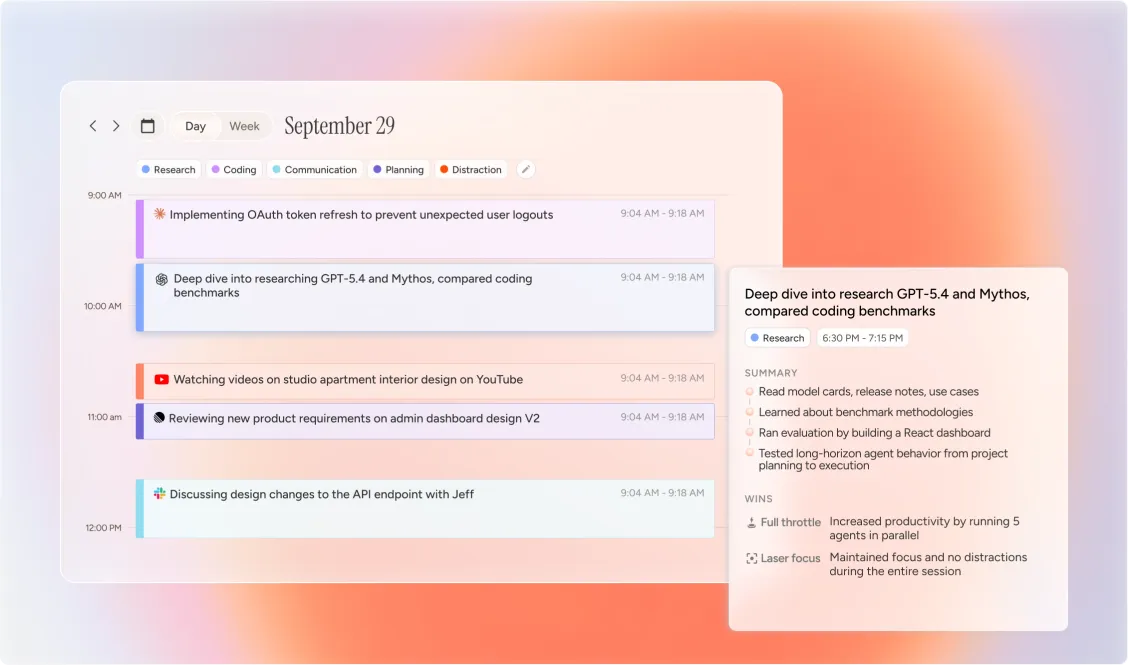
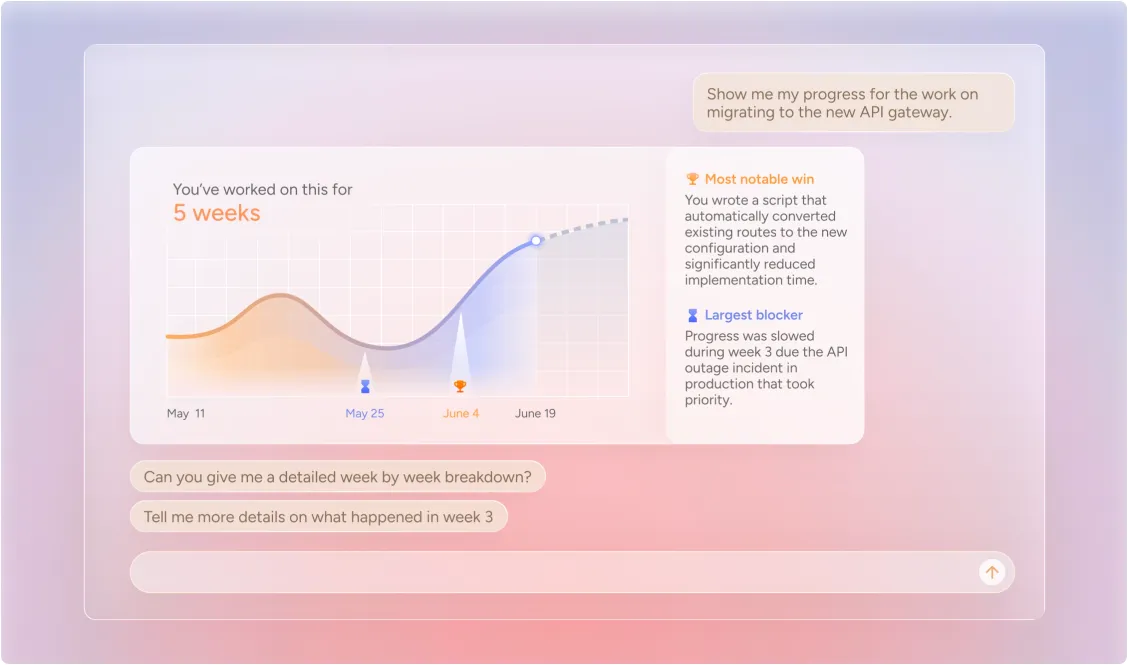
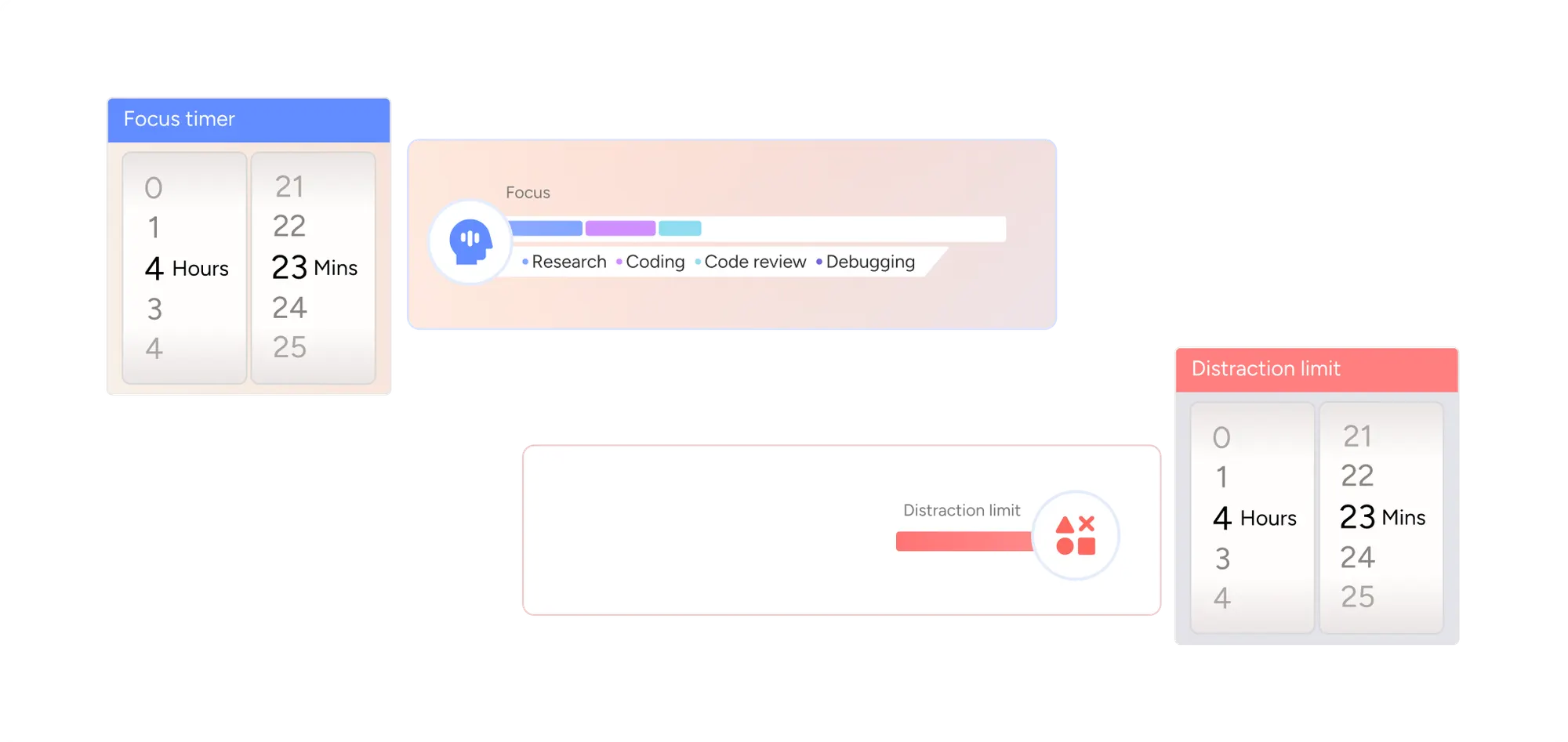
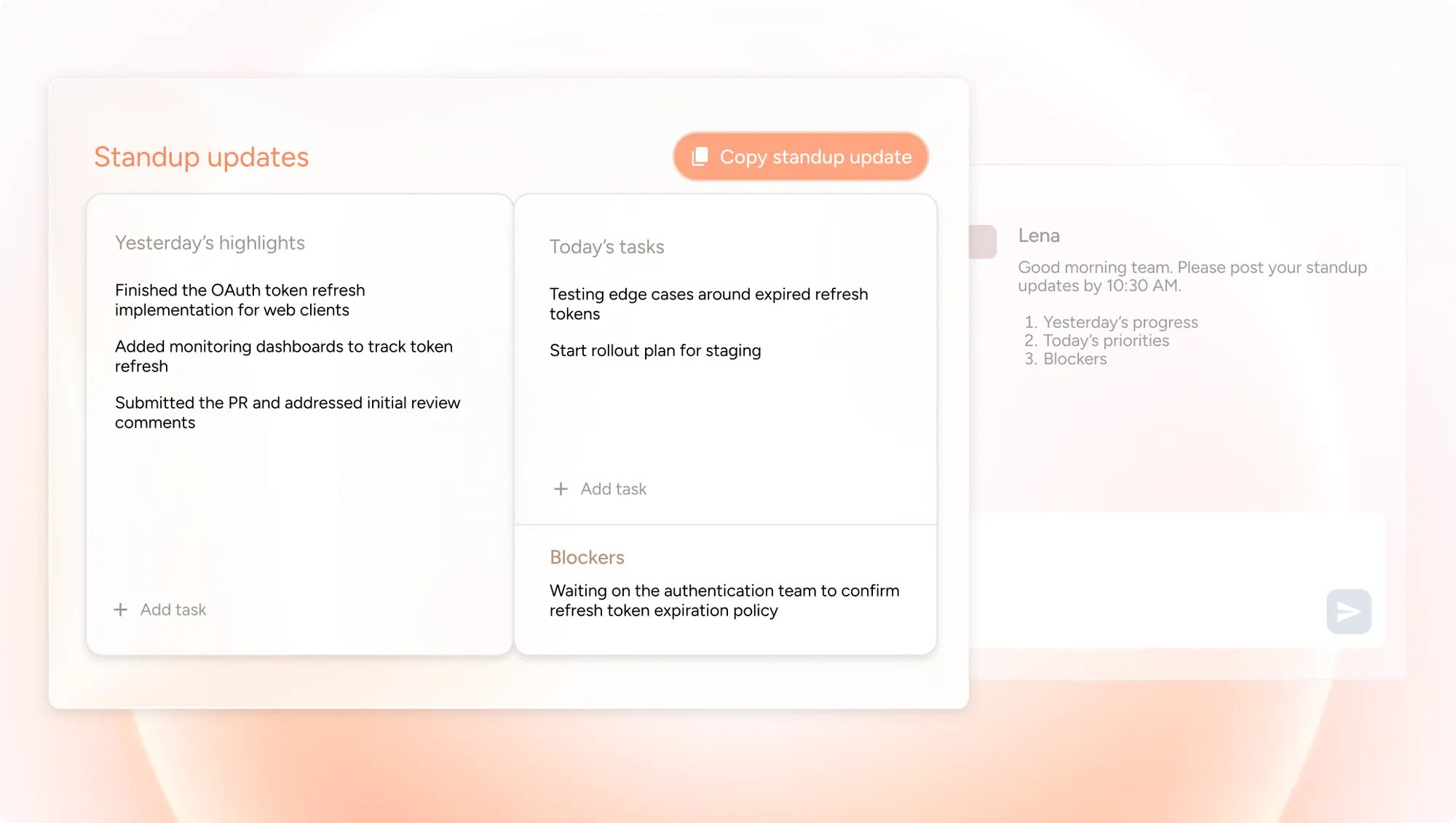
Dayflow records your screen at 1 frame per second and uses AI to analyze your activity every 15 minutes. Unlike traditional trackers that just log app names, Dayflow understands context - distinguishing between "researching on YouTube" and "watching cat videos". It builds a visual timeline with summaries, so you don't have to manually tag anything.
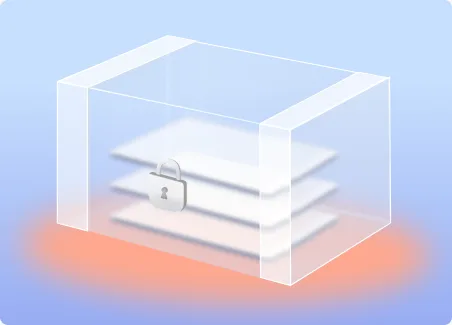
Yes. You have full control. In Local Mode (using Ollama/LM Studio), your data never leaves your device. If you choose Gemini or ChatGPT/Claude, data is sent to the respective providers for analysis, but you can configure privacy settings. Recordings and databases are always stored locally on your Mac. Dayflow is open-source (MIT license), so you can verify exactly how your data is handled.
The recording process is extremely lightweight (~100MB RAM, <1% CPU). If you use Cloud AI (Gemini/ChatGPT/Claude), the impact remains minimal. Local AI inference is more demanding on your GPU and battery, so we recommend plugging in during long sessions if you go fully offline.
It's for developers, freelancers, and knowledge workers who want a truthful, automated log of their day. If you want to own your data and stop guessing where your time went, Dayflow is for you.
Absolutely. You can start/stop recording instantly from the menu bar. You can also automate it using Shortcuts (via deeplinks). You have full access to delete recordings and data from your local folder at any time.
It depends on the model you choose. Gemini and ChatGPT/Claude generally offer the highest accuracy and narrative quality. Local models are improving rapidly but may be slightly less detailed. You can switch providers at any time to find the best balance for your needs.
Dayflow is free and open-source (MIT Licensed). You can use it for free with Local models or Gemini's free tier. Using ChatGPT or Claude requires their respective paid subscriptions (Plus/Pro) to access the API via CLI.
Dayflow is a native macOS app built with SwiftUI. It requires macOS 13.0 (Ventura) or later.